AGENTIC PROJECT MANAGEMENT

Build smarter.
Bid faster.AI construction management and estimating software, built for builders.

Drop in the plans and Base runs the take-off, builds the estimate and plans the programme — automatically — then keeps the whole job moving. You stay across every decision.

Get started

CANCEL ANYTIME

BASE AI ·
basemanagement.org / projects / fitout-suite-204 / estimate
LIVE
Estimate · v3
Suite 204 Fitout
AI DRAFT
ItemQtyRateTotal
Demolition & strip-out420 m²$48$20,160
Framing — metal stud walls180 m$118$21,240
Plasterboard & set640 m²$58$37,120
Paint — 2 coats, walls640 m²$32$20,480
Floor — vinyl plank210 m²$95$19,950
Grand total$118,950
Auto take-off
Reads your plans
Auto estimate
From your rate book
Auto programme
Sequenced & dated
AI project mgmt
Runs the whole job
THE BUILDER’S OS

Tender to handover, in one loop.

Most PM tools stitch together five disconnected products. Base is one — so the estimate becomes the contract sum, the contract sum becomes the budget, and the budget is what you get claimed against. 15 moments where that matters, drawn below.

01 · Estimating & takeoff

Price it off the drawings you were sent.

The estimate is where the job is won or lost, so this is where Base does its heaviest work — reading the set, pricing it off your own history, and refusing to move a number behind your back.

01

Reads the whole set, not just the schedule

  • Works off the PDF the architect already sent. No CAD file, no model, no export.
  • Picks up joinery runs, partitions, fixtures and areas off the sheet itself.
  • Every quantity carries the drawing it came from, so you can check it.
ABC64205180tenancy planA-201rev C14 sheets · pdfno cad requiredplan read247 items · 13 tradesJOIN-01 counter run6420 × 900PART-03 stud, one side12.4 m
02

Every rate traced back to a job you've built

  • Rates come from your own history, not a national average that has never seen your workshop.
  • Each line shows the jobs it was derived from and how tight the spread is.
  • The more you close out, the narrower the band gets.
patisserie fitout$1,7802025 · fitoutqsr fitout$1,9052026 · fitoutcafe fitout$1,8422025 · joinery onlyJOIN-01Counter run — 2 pac on 18mm MR MDF6420 × 900 · edge bandedmat amthr ratesell$1,842$95$4,610$1,690$2,010±4.2%calibrated3 comparable jobsrate sourcePriced off jobs you’ve builtnot an industry average
03

Nothing writes until you see the blast radius

  • Change a rate and Base shows you every line it would touch before it touches any of them.
  • Sections already locked under a fixed price get flagged, not silently repriced.
  • You commit it, or you don't. The estimate does not move on its own.
rate changesheet goods · $/m²92.00→98.00+6.5%SEC 06 · 9SEC 07 · 4SEC 08 · 6SEC 09 · 3SEC 11 · 5SEC 12 · 2SEC 14 · 23 sections sit under a fixed priceblast radius31 lines · 4 sectionscontract sum$412,860 → $417,040movement+$4,180nothing writtenpreview only
02 · Tendering & procurement

Packages out, prices back, levelled.

The part of the job that is really an admin job. Base sends the packages, chases the quiet ones, and lines the answers up against the same sections your estimate already uses.

04

Packages out, prices back, no chasing

  • Send a trade package to every sub on your register in one action.
  • They respond in a portal or straight off the email — no login to forget.
  • Base follows up the quiet ones and keeps insurances current.
package outSection 06 — Joinery14 items · drawings attachedreturnedjoiner areturnedjoiner bwaitingjoiner creturnedjoiner dwaitingjoiner e$18,420$21,900$19,6405 sent3 backchaseBASE is doing the chasingtwo subs are outstanding at day 4reminders sent2 automaticcomplianceinsurances current
05

Levelled section by section

  • Sub prices line up against the same sections your estimate uses.
  • Base reads the exclusions and normalises before it ranks anyone.
  • Levelled prices flow back and replace your guesses in the estimate.
joiner a$18,420joiner b$16,180joiner d$19,640shopfront$4,120shopfront$3,980shopfront$4,340counter run$6,240counter run$6,110counter run$6,480back bench$3,860back bench$2,190back bench$4,020overheads$2,100overheads$2,040overheads$2,260install$2,100install$1,860install$2,540joiner b excludes back bench installlevellednot like for likeCheapest is not cheapestjoiner bexcludes back bench installtrue comparison$18,040 · 2nd cheapest
03 · Client quote & approval

One version, signed, on the record.

A quote that lives at a link instead of in an attachment chain, an acceptance that records how the person was verified, and a win that only has to be keyed once.

06

The client sees the version you sent

  • The quote lives at a link, not in an attachment chain.
  • Revise it and the client is looking at the current one, immediately.
  • Every open, every comment, every decision is logged against the project.
QuotationQTE-26-014Shopfront & glazing$28,400Joinery — front of house$46,180Joinery — back of house$19,640Installation on site$12,900Preliminaries$8,240CONTRACT SUM$115,360rev C · liveone versionclient portalThey see what you sentnot a pdf that drifted out of date in an inbox
07

Signed, verified, on the record

  • The client e-signs the quote in the portal — no third-party signing tool.
  • Verified by email plus a one-time code, inside a timed session.
  • The record stores how the person was verified, and both parties get a copy.
acceptanceAccepted by clientAuthorised signatory · 20 Sep 2026, 4:14pmemail verifiedclient@—.com.auone-time codesent to mobiledecision session28:04 remainingrecord emailedboth partiesverifieddecision recordHow they were verified is storedyou can rotate, disable or expire any link
08

One command wins the lead and awards the job

  • Accept on the portal, e-sign the PDF, or record it from the lead — same result.
  • The lead closes, the project spins up and the programme seeds itself.
  • You never key the same job in twice.
one actionMark wonleadwonmoved out of the pipelineprojectcreatedcode, folders, client linkedprogrammeseededindicative dates in placeatomicno double entryWon once, everywherequoteaccepted on the portalestimatesnapshotted as baselineclientalready on the record
04 · Programme & site

Dates that hold, and a site that reports itself.

An indicative programme before the quote and a baseline locked at award. A real CPM engine decides what moves — the model only ever proposes.

09

Two passes: indicative, then baseline

  • An indicative programme before the quote, so prelims are priced off real duration.
  • A baseline locked at award — the thing progress is measured against.
  • The drift between them is visible instead of quietly forgotten.
indicative · pre-quotedemolitionservices rough-inpartitions & ceilingsjoinery installfinishescommissioningbaseline · locked at awarddemolitionservices rough-inpartitions & ceilingsjoinery installfinishescommissioningdrift +4dtwo passeswhy twoPrice the time, then commit itindicativefeeds time-based prelimsbaselinewhat you’re measured against
10

The model proposes, the engine disposes

  • Ask for a change in plain words and Base drafts the move.
  • A real CPM engine validates it and cascades what follows.
  • Contractual dates hold. The AI never quietly moves practical completion.
proposed by base aijoinery install +4dengine checkfloat · 2d availableconstraint · PC datejoinery installacceptedfinishespushed 2dcommissioningpushed 2dpractical completionheldverifyAndCascadethe ruleThe model proposes. The engine decides.every writethrough one validatorconstraintshonoured, not overwrittenPC dateheld — it is contractual
11

Built for a phone in a pocket

  • QR sign-in, inductions and SWMS handled at the gate.
  • Roll call groups by company — who's here, who's booked and missing.
  • Site diary, defects and photos entered from the phone, with time and GPS attached.
on site now14of 17 bookedjoiner a4 / 4electrician b3 / 3plumber c2 / 2plasterer d5 / 5tiler e0 / 3booked, not signed inneeds you2 SWMS unsigned1 access requestphone firstsiteRoll call by company, not by namebecause that is how a supervisor actually thinks about a site
05 · Joinery manufacturing

The workshop is part of the job, not a separate spreadsheet.

Estimate lines become units on the floor, scheduled against the capacity the workshop actually has, with the programme told the moment a machine slips.

12

An estimate line becomes a unit on the floor

  • Joinery jobs spawn straight off the estimate — one unit per line.
  • Each unit carries four linked programme tasks from the moment it exists.
  • No re-keying the schedule into a workshop spreadsheet.
JOIN-04Back bench — 2 pac, 18mm MR MDF2400 × 900 · one estimate lineshop drawingsmaterialsfabricateinstall4 tasksone line, one unitIt lands on the programmeshop drawings, materials, fabricate, install — linked to the estimate line
13

Drawings, BOM, materials, stations, crates, installed

  • The whole workshop run lives in the same system as the estimate that sold it.
  • Scheduled against actual station capacity, not a wish.
  • When the workshop slips, the programme knows before the client does.
nestcncedgeassemblecratestation capacityworkshopSlip on a machine moves the site datescheduled against real station capacity, then pushed back into the programme
06 · Money & closeout

One cost code from the estimate line to the bank.

Committed, claimed and actual against the line that was sold — then a closeout that will not close just because someone said it was finished.

14

The estimate threads all the way to actuals

  • One cost code runs from the estimate line to the committed order to the invoice.
  • Progress claims come off a locked schedule of values, then sync to Xero.
  • Variance shows up while you can still do something about it.
estimate$115,360committed$98,420claimed$74,800actual$101,240$2,820 over on sec 08to xeroinvoice · syncedretention held$5,768 · 5%paymentreceived 12 Sepone threadcost codesThe same code the whole way downestimate lineSEC 08 · back benchpurchase orderissued against its budgetvariancevisible before the job ends
15

Nothing closes until it's actually closed

  • Declaring practical completion starts the DLP clock and the checklist.
  • Retention releases in two parts, on the dates, without a reminder in someone’s diary.
  • Open defects block completion unless you record a reason to override.
defects liability184days remainingpractical completion declaredmoiety at PC$2,884 releasedfinal at DLP end$2,884 held2 defects open · override required to closereadiness gatecloseoutIt does not close because you said soPC certificate, DLP letter and the handover pack assemble themselves
+ EVERYTHING ELSE A BUILDER NEEDS
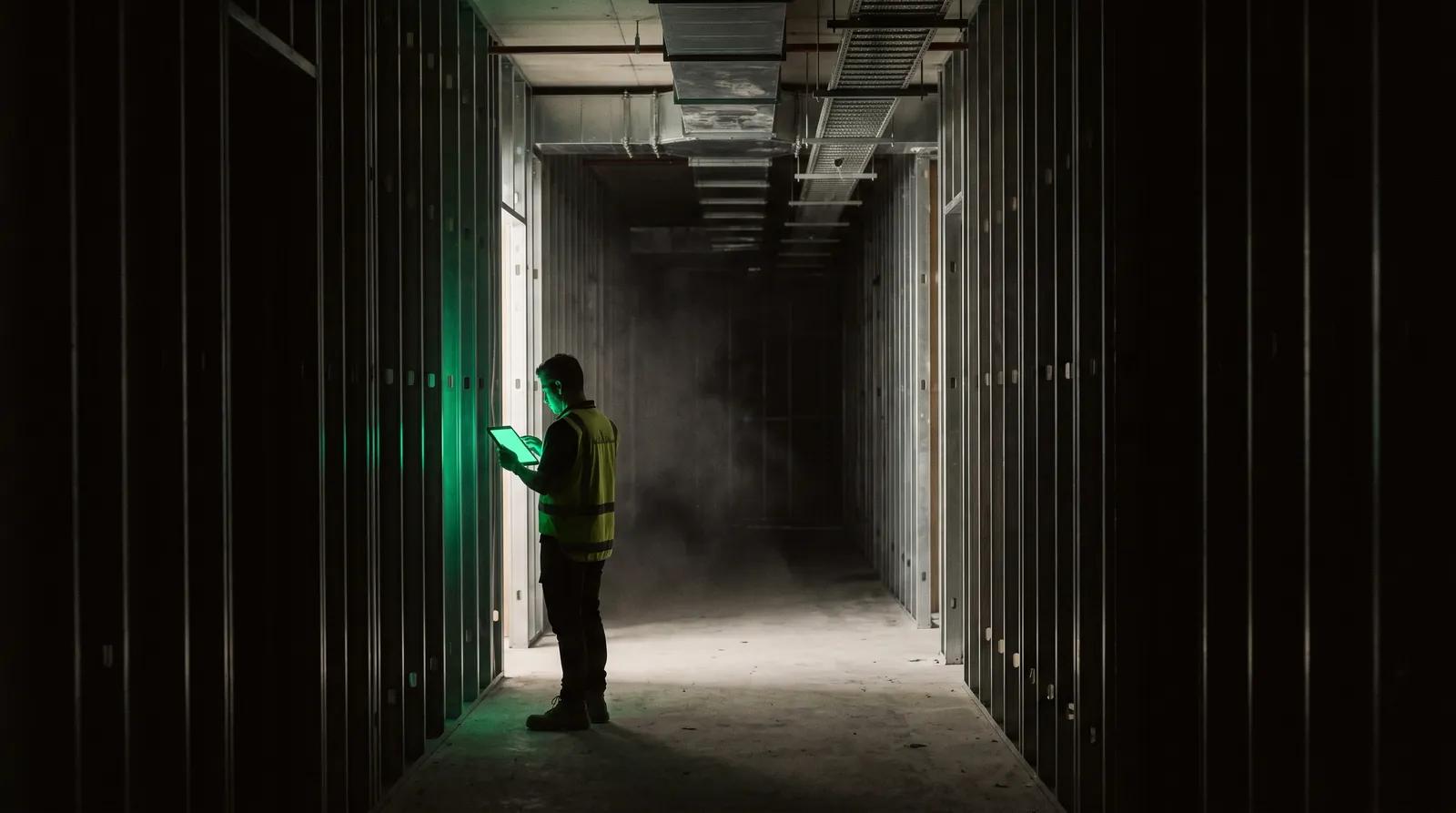
A worker alone on a dark fitout site, lit only by the tablet in their hands

Site, crew and subbies

Purchase orders out, compliance docs back. Inspections, defects and timesheets captured on the slab and costed against the budget line they belong to — not re-keyed off a photo of a docket at 6pm.

A wall of dark filing drawers, one of them open and glowing emerald

Agents that do the admin

Background agents chase what people forget — ageing debtors, unreviewed subbie claims, a forecast nobody has touched in a month — and file the follow-up themselves.

A material sample fan deck splayed open on black, one leaf lit emerald

Your prices, with a paper trail

Every rate in the book carries its evidence: who quoted it, when, and on which job. Base prices from your book — never from a guess, and never from a number buried in a prompt.
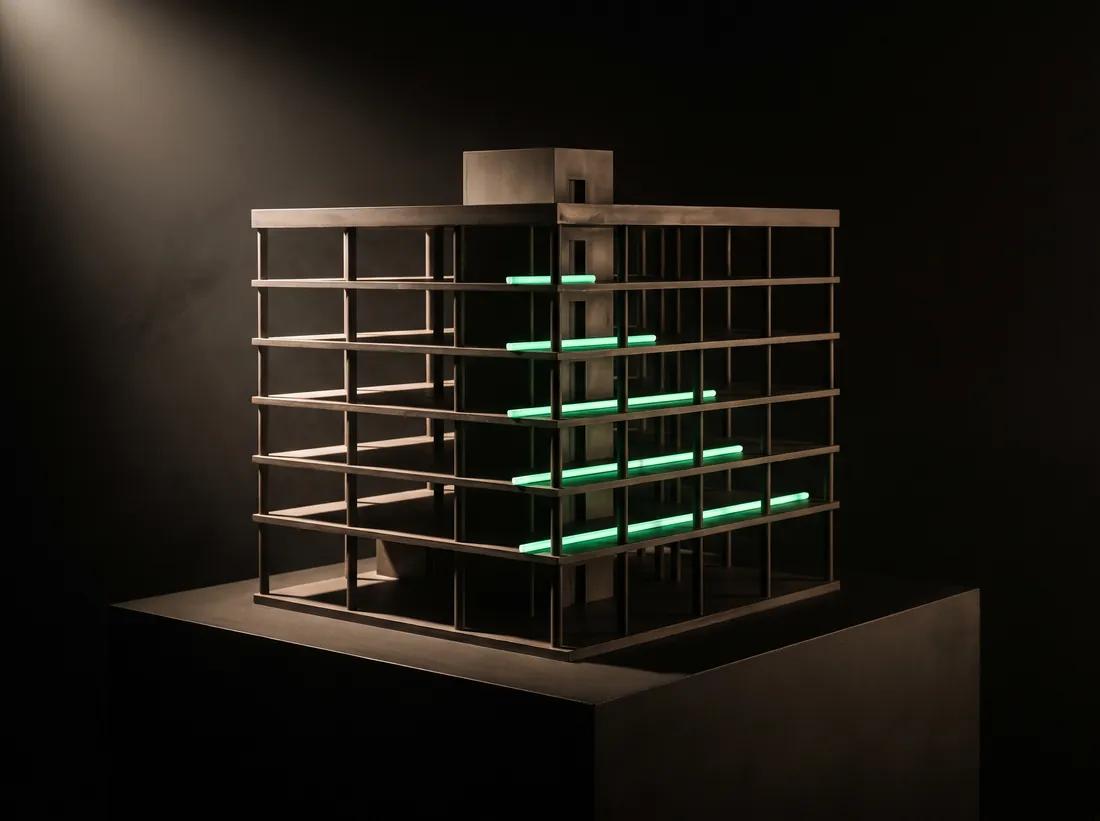
A dark architectural model of a building, its floor slabs lit by staggered emerald schedule bars

A programme built for the shed

Dependencies, milestones and the critical path — and an A3 landscape print that goes on the wall, because that is still where half the team reads it.

A plumb bob hanging dead still over a concrete slab, its point on an emerald mark

Know the number before it lands

Cost to complete per line, exposure from orders already committed, and a sweep that nags when a forecast has gone stale. Margin you can see moving, not a month-end surprise.
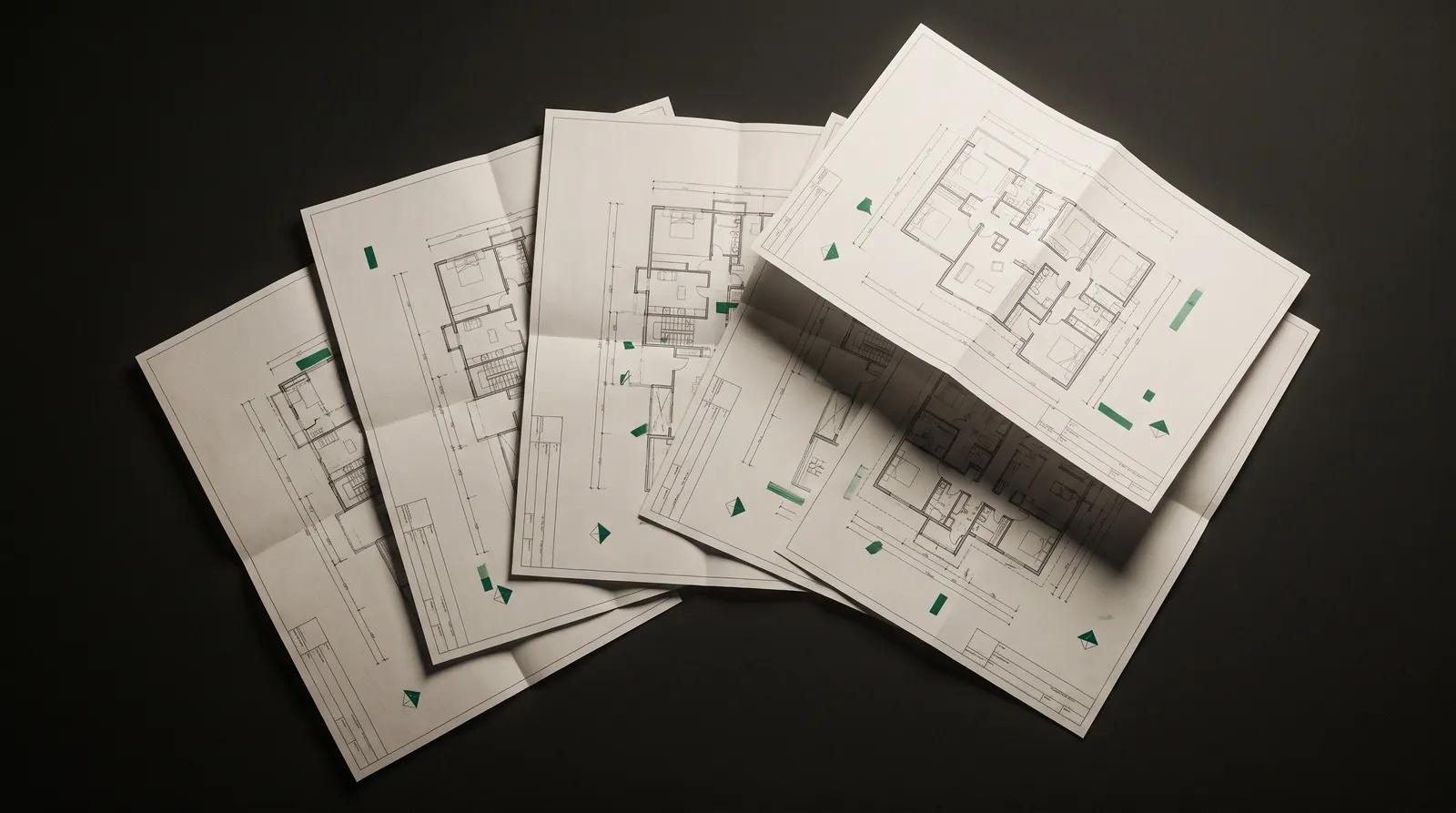
Five architectural floor plans fanned out on black, flagged with small emerald marks

Every drawing, every revision, one register

The current set, the superseded ones, and who has been issued what. The pages Base read stay linked to the estimate lines they priced, so a revision is a question you can answer instead of a hunt through an inbox.

THE FULL LIST

79 things it does, in one system.

One login, one set of numbers, nothing exported between products. Which of these your team gets depends on your plan.

Estimating & tendering

  • AI take-off from PDF plans
  • Chat-driven estimate walkthrough
  • Estimate ledger by trade section
  • A rate book of your own unit rates
  • Rates that learn from your jobs
  • Labour productivity rates
  • Assemblies — one measure, many lines
  • Quotes, BOQs and scope of works
  • Estimate revisions, saved and compared
  • Spreadsheet estimate import
  • 2D floor plan to 3D fitout
  • Tender board with price levelling
  • A tender portal for your subbies

Delivery & programme

  • Gantt programme with critical path
  • AI-drafted baseline programme
  • Weekly plans and commitments
  • Baseline versus slippage tracking
  • Project and company task lists
  • Variations register, priced
  • Drawing register with revisions
  • RFIs with a close-out record
  • Defects and punch lists
  • Purchase orders out to subbies
  • Joinery manufacturing and cut lists
  • Handover and PC certificate
  • DLP and warranty register
  • Subcontractor track record

Money

  • Progress claims with retention
  • Schedule of values from the estimate
  • Job costs against budget
  • Cost to complete and forecast margin
  • Cashflow forecasting
  • Payment runs and ABA files
  • Receipt capture and coding
  • Xero two-way sync
  • Project profit and loss
  • Aged receivables and payables
  • Retention schedule report
  • GST position and BAS figure
  • TPAR contractor report
  • Cost codes and chart of accounts

Site & field

  • QR site sign-in
  • Workshop and office sign-in points
  • Timesheets with shift approval
  • Crew rostering
  • A phone-first site home
  • Site diary, composed for you
  • Site induction and acknowledgement
  • Worker tickets and licences
  • Custom forms and checklists
  • Safety and SWMS register
  • Incident reporting from site
  • Site photos with time and GPS
  • Building inspection assessments

AI & automation

  • Ask-anything project assistant
  • Estimating walkthrough modes
  • An autonomous PM agent
  • A library of automation packs
  • Quote follow-ups that chase themselves
  • Email reply intent detection
  • AI memory and learned rules
  • Auto-filing of uploaded documents
  • Search inside your documents
  • Shareable analysis scratchpads
  • Notification centre
  • Connect your own Claude or ChatGPT

Documents, admin & integrations

  • A central document library
  • Branded document templates
  • Branded email templates
  • E-signature portal
  • A client portal on every project
  • One contacts directory
  • CRM pipeline and lead drawer
  • Web enquiry capture links
  • Teams, roles and permissions
  • Gmail, Outlook and Google Calendar
  • Two-way SMS on your own number
  • A comms timeline per project
  • Drawing sheet style and title block
WHO IT IS FOR

Built for the seat you are in.

One system, four jobs. The estimator, the PM, the foreman and the owner are all looking at the same project — just never at the same screen.

Estimators

Price more work without the 2am spreadsheet

Drop the set, check the take-off, send the tender. Every job you price sharpens the rate book the next one is priced from.

Project managers

One place the job actually lives

Programme, variations, RFIs, claims and costs all hang off the same estimate lines — so the numbers agree without anyone reconciling them.

Site & foremen

Enough phone, and not one screen more

Purchase orders, inspections, defects and timesheets from the slab. No laptop, no second entry, no chasing the office for the current drawing.

Owners

See the margin move while you can still act

Committed cost, cost to complete and forecast final margin on every job — and the estimate frozen at the win, so the budget cannot quietly drift away from it.

BASE AI

An assistant that
actually does the work.

Base AI isn't a chatbot bolted onto a CRM. It edits your estimates, updates your programme, scans your plans and runs background tasks — using the same tools your team uses.

Reads plans

Multi-PDF parsing with per-page caching — fast on long sets.

Edits your data

Estimates, rate book, programme, variations — live, in your tenant.

Talks back

"Hey Base" wake-word, push-to-talk, or just type.

Autonomous tasks

Background agents that draft, check, and notify while you work.

Custom skills

Pin skill files & chat modes for niche workflows.

Adapts to you

Learns your phrasing, margins and defaults — per user, team, project.

"Hey Base"
Hands-free, while you're on site.
ARMED · LISTENING
HOW IT FLOWS

One loop. No re-keying.

Your estimate becomes a project. The project becomes a programme. The programme drives the claims. Everything stays linked.

Two rolled drawing sets on a dark bench, emerald light glowing inside the spiral
01

Drop the plan

A PDF set, a photo of a sketch, or just describe the job in chat. Base reads every page — rooms, walls, fixtures — and turns them into quantities you can check.

A ruled schedule unrolling across a dark surface with a run of emerald ticks
02

Get a priced estimate

Sections, line items, quantities and labour hours — priced from your own rate book and your own productivity rates, not a generic price list. Edit anything inline.

A worn hard hat, tape measure and pencil on a concrete slab, crossed by an emerald laser line
03

Win it, run the build

The estimate becomes the budget, the programme and the schedule of values — then freezes. Variations, defects, orders and subbies all hang off the same lines.

A bunch of keys hanging from a nail in a dark timber stud, edge-lit emerald
04

Bill, track, hand over

Progress claims with retention, costs against budget, cashflow you can forecast — then defects closed, sign-off, and the client portal they have had all along.

STRAIGHT ANSWERS

The questions you were going to ask anyway.

Including the ones with an awkward answer.

What is Base?
Base is construction management software that runs a job from tender to handover in one system. It reads your drawing set, drafts an estimate from your own rates, turns the won job into a live project with a programme and a budget, and carries the same cost codes through to progress claims and closeout.
Can Base do a takeoff from PDF plans?
Yes — off the PDF the architect already sent. No CAD file, no BIM model and no export is required, because a PDF is what you are actually given. Every quantity carries the sheet it was measured from, so you can check it against the drawing rather than take it on trust.
Where do the estimate rates come from?
Your own rate book, built from jobs you have closed out — not a national average. Each line shows which past jobs the rate was derived from and how tight the spread is, and the band narrows as you complete more work. You can edit any rate, and nothing is repriced without showing you every line it would touch first.
Does Base integrate with Xero?
Yes. Progress claims push to Xero as invoices with the correct account codes and tax types, bills come back in against the budget line and the order they belong to, and retention goes across as its own line. Everything Base sends is ex-GST with GST stated separately.
Can the AI change my prices or my programme dates on its own?
No, and that is deliberate. The model proposes; a critical-path engine or a person decides. A programme change is validated and cascaded by a real CPM engine that will not break a contractual date, and nothing that carries money — a price, an approval, a payment — is executed from a background run.
Is my data used to train AI models?
No. Base uses third-party model providers configured under their zero-retention and no-training settings, so your projects, drawings and rates are not used to train foundation models. The detail is in the privacy statement.
Does Base work for joinery and shopfitting?
Yes — it was built on fitout and joinery work. Estimate lines become manufacturing units on the workshop floor, each carrying its own shop drawings, bill of materials, fabrication and install tasks, scheduled against the capacity your workshop actually has rather than an assumed one.
Do I have to change how I estimate to use it?
No. Base takes your section structure, your trade breakdown and your rates as the starting point, and it captures the way you already work as you go. The first estimate is where it learns them; the second is where it stops asking.
Is Base built for Australian builders?
Yes. GST, progress claims, retention, defects liability periods and practical completion are modelled as the way work is actually contracted here, and the accounting side assumes Xero. It works the same way for builders in New Zealand and the UK, where the commercial vocabulary is close to identical.

More on how any of this actually works on a job, in the blog.

BASE
Management

Stop juggling
five different tools.

Spin up an account in 60 seconds. Drop in a plan PDF and watch the agent take off, price and programme it on day one — or book a demo and we'll walk you through it on a live job.

Get started

CANCEL ANYTIME